Manage Leave Encashment Requests with greytHR Portal
Updated in September- 2024 | Subscribe to watch greytHR how-to video
Many companies give their employees a certain amount of leave days as part of their job benefits. Employees can convert any unused leave days within a specific time frame into cash.
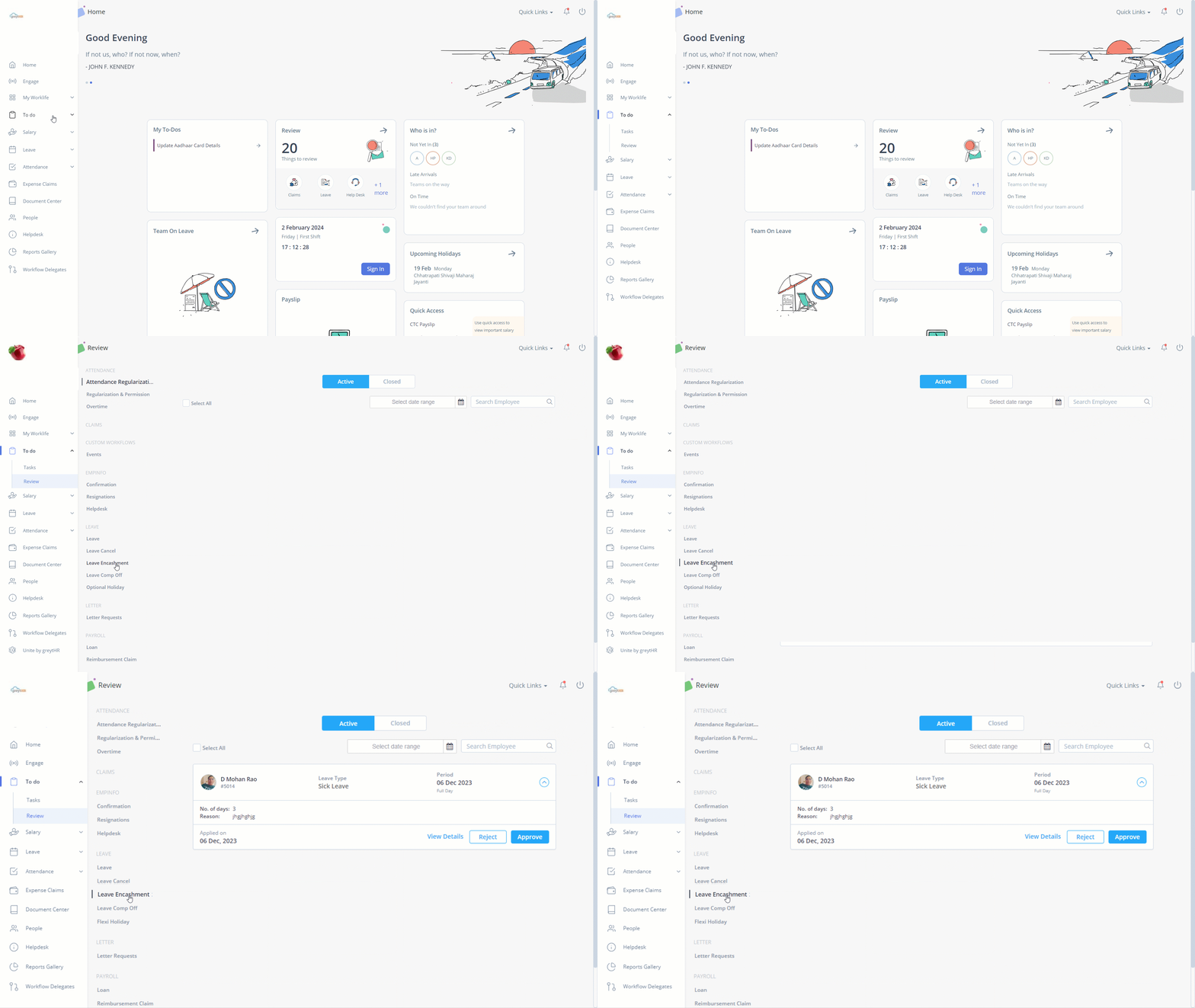
The Review page in the greytHR ESS portal allows you as a manager to view details, reject, and approve, your team member's leave encashment requests. You can also view all the closed leave encashment requests from this page.
The page displays the following tabs:
Active: Displays all the pending leave encashment requests of team members.
Closed: Displays all the closed, rejected, approved, and withdrawn leave encashment requests of team members.
Review team members’ leave encashment requests
To review your team member’s leave encashment request, perform the following actions:
From the greytHR ESS portal, navigate to To Do > Review.
On the Review page, click Leave Encashment. Under the Active tab, all the leave encashment requests appear.
Select the required team member’s leave encashment request card. The card expands.
Click the View Details, Reject, or Approve tab as per your requirements.
Other related links: