September 2025 Release



Here's what we've been working on lately
LinkedIn Limited Listings Integration
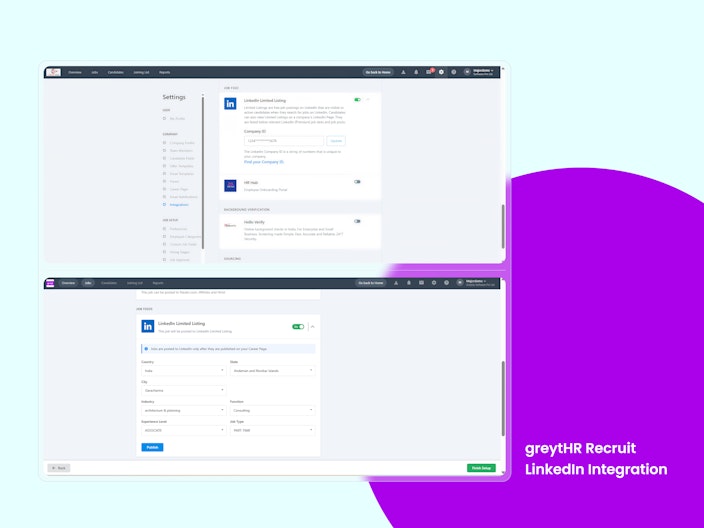
Recruiters can now publish free jobs to LinkedIn directly from greytHR Recruit. Job posts appear on the company’s LinkedIn page, expanding reach and simplifying applications at zero cost.
Key Highlights:
Easy Setup & Posting: Enable integration with LinkedIn Company ID, then publish jobs via the LinkedIn toggle during job creation/edit.
Smart Controls: Mandatory field validations (Job ID, Title, Description, Company ID) ensure accurate postings, with jobs going live on LinkedIn within 24 hours.
Tracking & Monitoring: Filter jobs/candidates by LinkedIn source and track performance in Recruit reports.


Cooling Off Period in greytHR Recruit
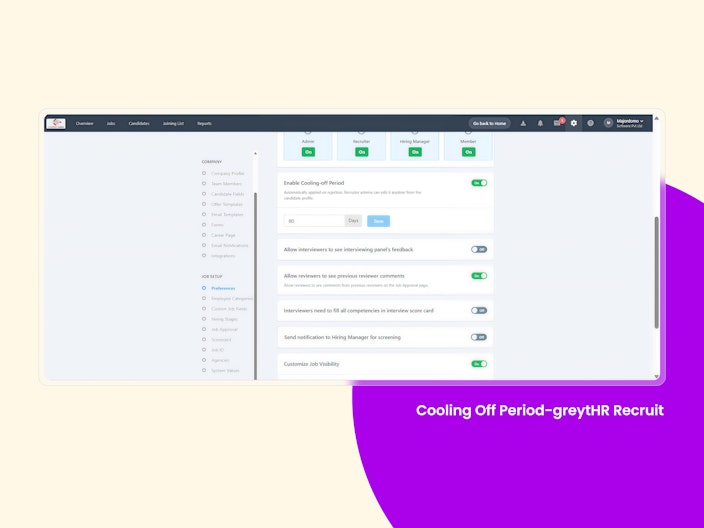
Recruit Admins and Recruiters can now set a Cooling-Off Period in greytHR Recruit to manage reapplications from rejected candidates. Once configured, candidates who are rejected will be blocked from reapplying until the defined duration has passed.

Configuration of Due Date within a Job
Recruiters can now set Target Closure Dates for job postings in greytHR Recruit. This ensures jobs have clear timelines, timely alerts, and can auto-close once expired.
Background Verification Redirection to Unite
Recruiters can now redirect to BGV apps in Unite Marketplace with a single click. Once a candidate accepts an offer, background verification can be initiated directly from greytHR Recruit.
Advanced Face Detection for Selfie-based Attendance
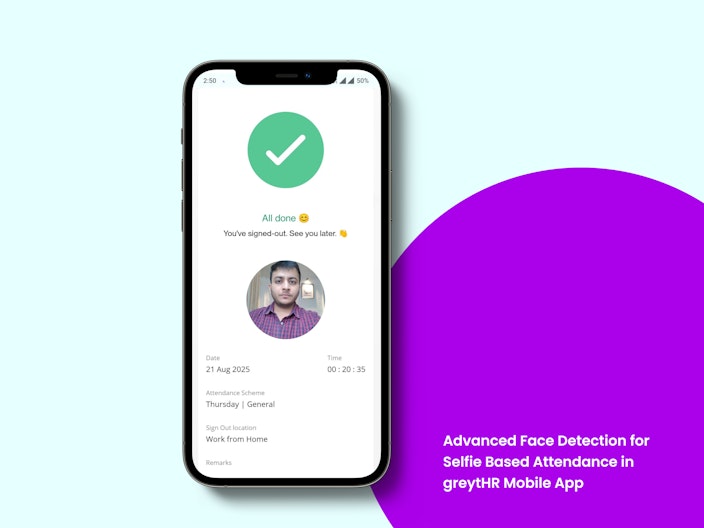
Major upgrade to our selfie-based attendance system featuring stronger and more reliable face detection technology. This enhancement delivers faster selfie capture and significantly improved accuracy and anti-spoofing measures resulting in reduced attendance errors and higher trust in the system.

Extended Talkback Support on the greytHR Mobile App
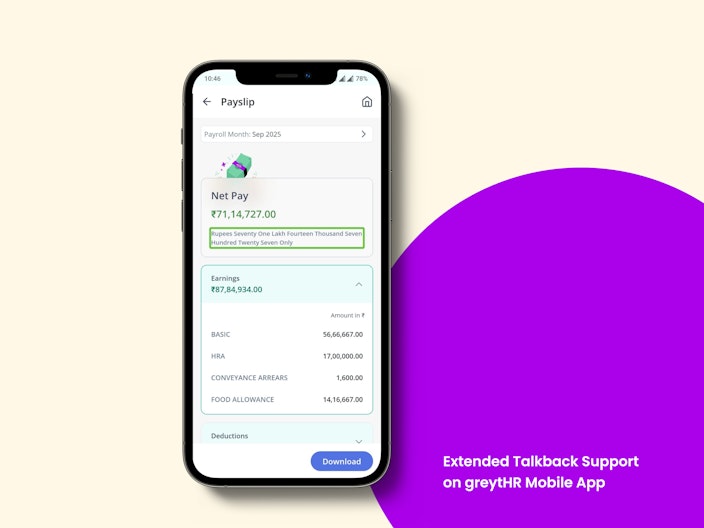
We have extended the TalkBack support on the mobile app for Mark attendance on behalf and Payslips. This update empowers every employee to engage confidently and navigate independently.

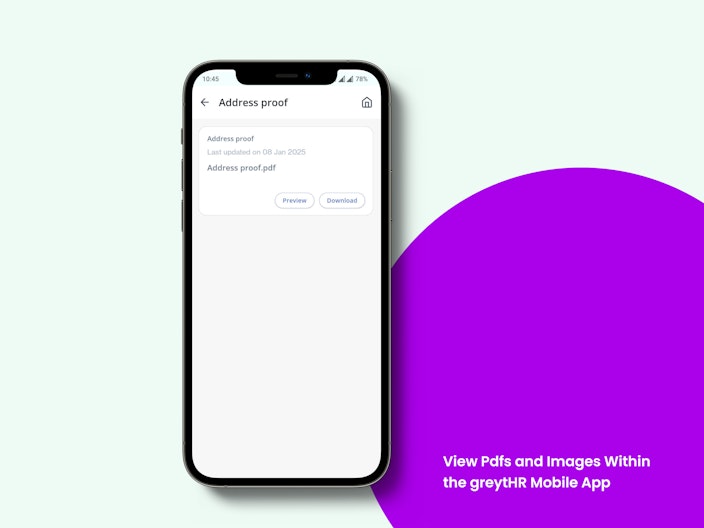
View PDFs and Images within the greytHR Mobile App
We've added a new in-app viewing for PDFs and images, allowing users to access important documents directly within the mobile app (based on configurations). With an integrated PDF viewer, this update eliminates the need for external apps and improves overall usability.

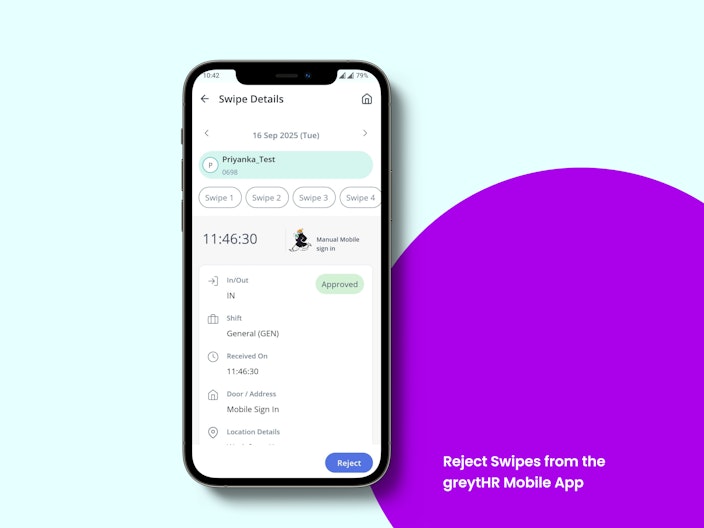
Reject Attendance Swipes from the greytHR Mobile App
Managers and reviewers can now reject attendance swipes directly from the mobile app, making it faster and easier to maintain accurate swipe records. This enhancement improves attendance data integrity, speeds up issue resolution, and ensures flawless, real-time attendance management.

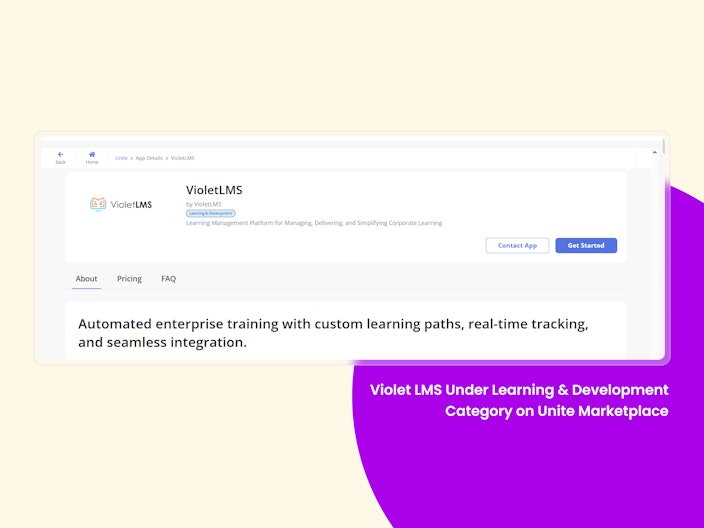
VioletLMS under the Learning & Development category on Unite Marketplace
We’re happy to share that VioletLMS is now available for greytHR customers on Unite Marketplace, under the Learning & Development category. This integration makes it easier than ever to manage employee training and development—directly within greytHR.

New Indonesian Tax Agents for Seamless Payroll Compliance
We’ve introduced two new agents to simplify payroll processing in Indonesia:
Indonesian Income Tax Agent – Automatically computes monthly (PPh 21) and annual income tax based on residency, income slabs, dependents, and allowable deductions. Non-resident employees are handled with a flat 20% PPh 26 tax rate, ensuring full compliance with Indonesian tax laws.
IDN Tax Info Picker Agent – Lets payroll administrators map pre-calculated Indonesian tax values (e.g., Monthly PPh21, Annual PPh21, deductions, BPJS contributions) directly to salary components. This makes payroll configuration cleaner, reporting more accurate, and downstream processing seamless.
With these agents, payroll admins can stay compliant while reducing redundancy and ensuring correct taxation for employees in Indonesia.
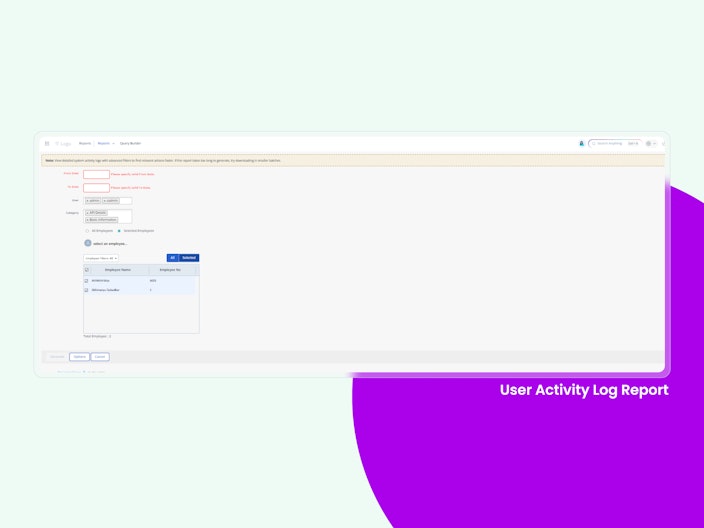
User Activity Log Report
We’ve introduced the User Activity Log Report to help admins review system activity with greater control and efficiency. Unlike the heavy Audit Log Report, this new version comes with advanced filters – multi-select options for Categories, Employees (with autocomplete), and Users – while excluding internal GHR accounts by default.
With faster load times, flexible downloads (PDF, Excel, HTML), and clearer insights, admins can now isolate relevant actions quickly and even generate audit trails for specific employees. The report is available under Reports Gallery > MIS Reports and complements (not replaces) the existing Audit Log Report.

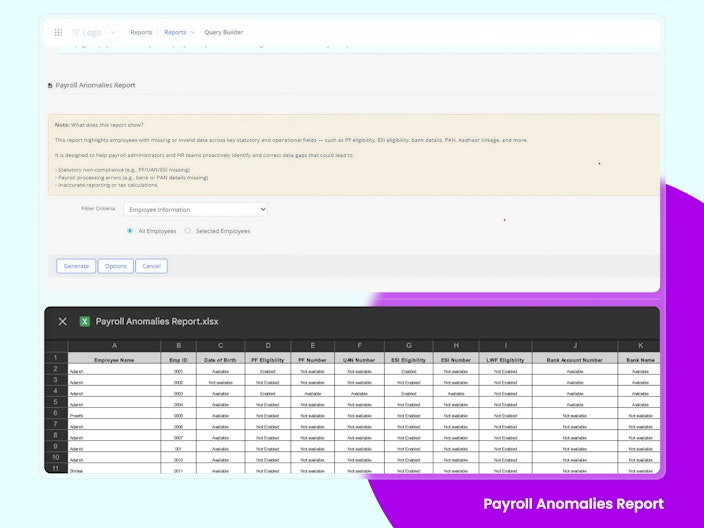
Payroll Anomalies Report
The Payroll Anomalies Report is now live in Reports Gallery → MIS Reports. It automatically flags employees with missing or invalid data, such as bank details, PAN–Aadhaar linkage, PF/UAN, ESI numbers, and statutory eligibility flags.
With checks across Employee Information and Position History, payroll and HR teams can now:
Spot and fix payroll-critical data gaps early
Ensure smooth salary transfers and statutory filings
Minimize compliance risks and audit exceptions
The report can be generated in Excel or HTML and is available by default to Admin and Majordomo roles.

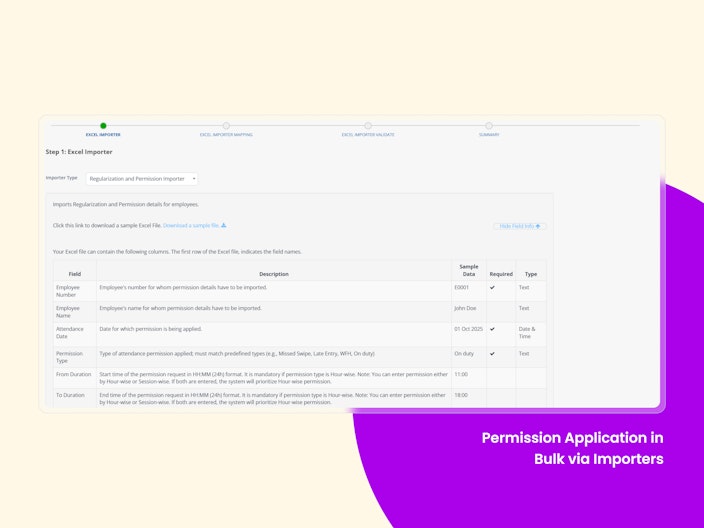
Permission Application in Bulk via Importers
Admins can now bulk-apply attendance permissions using the new Excel Importer. By uploading a single file, permissions for hundreds of employees can be applied in minutes—bypassing workflows while still validating for errors and overlaps. This makes handling transport delays, swipe issues, and worker-category cases faster, accurate, and hassle-free, ensuring smooth payroll and compliance.

Other Features
Accurate Status Tracking for Reopened Performance Reviews
Performance Review statuses will now dynamically revert to ‘Active’ if any employee’s assessment is reopened, ensuring admins always see the true completion state of a review cycle.
Published Remarks Made Clearer in Performance Reviews
The Control Panel in Performance Reviews now specifies whether aggregate or calibrated ratings were published, along with the date, giving admins greater clarity and accuracy in tracking review outcomes.
Performance Reviews Now Move to History After Final Reviewer Completion
Performance Reviews now shift to the History tab based on the final reviewer’s assessment end date, ensuring only truly finished reviews are marked as “Past” for a clearer view of progress.
LOP & LOP Reversal APIs – Automated Payroll Adjustments
Admins can now record, reverse, or delete LOP entries via APIs, perfect for clients using different attendance or leave systems.
Key Highlights:
Submit or correct LOP days per employee
Supports external attendance/HRMS integrations
Smart validations to prevent duplicates and enforce limits
Audit-ready with system-attributed logs
Secure access via LOP / LOP Reversal API role
Benefit: Fully automated, accurate, and integration-friendly LOP management.
Capture PRAN Number During Employee Onboarding
HR teams need to collect and manage PRAN (Permanent Retirement Account Number) details via employee Information, which can lead to errors, delays, and compliance issues with pension regulations in India. We’ve now added a “PRAN Number” field to the Accounts and Statutory section of employee onboarding. This allows HR to securely capture and store the 12-digit PRAN right from the start — improving accuracy and compliance with PFRDA rules.
Want to explore more about greytHR? Visit our website.